Direct answer
What changes the answer
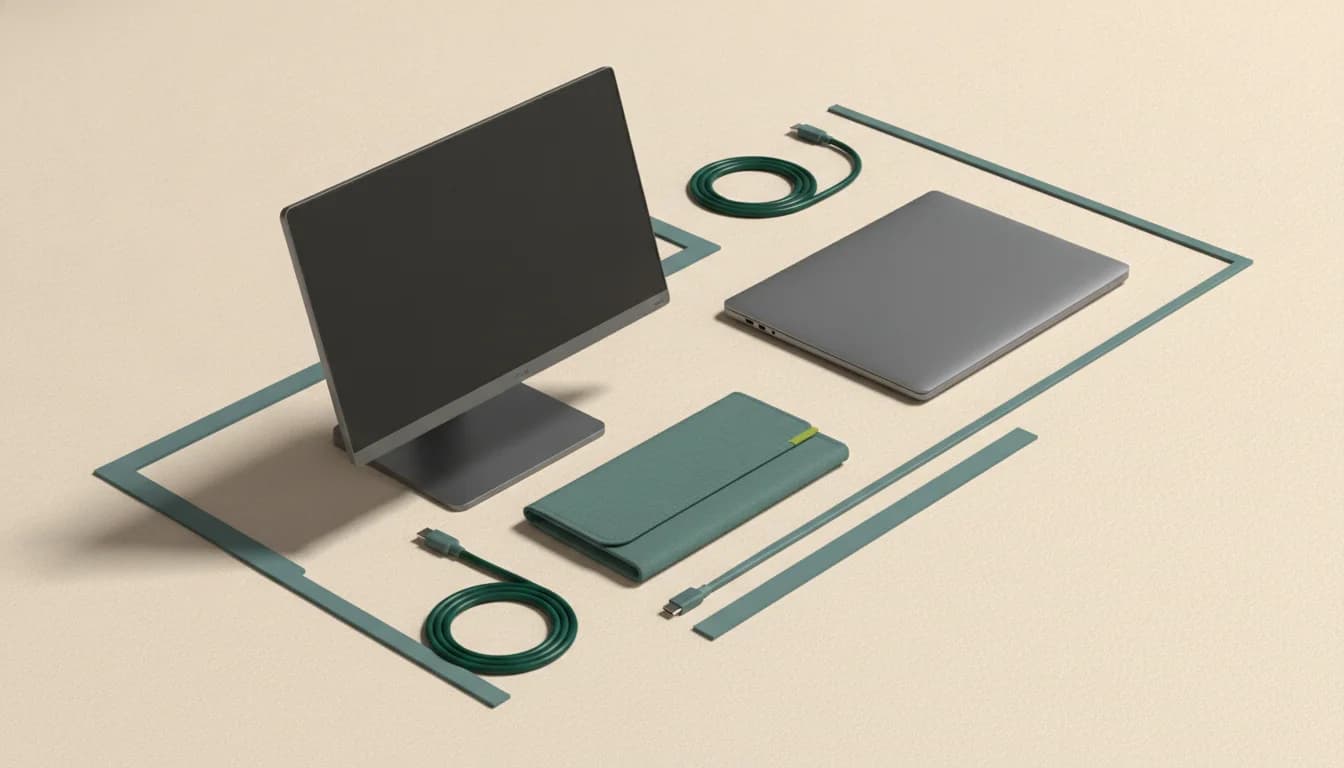
A portable monitor is modular
It can sit beside a laptop, connect to a console, rotate for documents, or move independently. That flexibility usually produces better ergonomics, but it needs a separate placement and stand.
An extender is an assembly
It keeps screens attached and aligned, which is fast in temporary workspaces. The cost is weight on the laptop, narrower fit tolerances, more complex cabling, and possible driver dependence.
Compatibility risk is asymmetric
A single portable screen usually needs one supported video output. A dual-screen extender can require multiple streams, operating-system support, or a driver. Verify the exact laptop model and desired screen count.
Travel weight is the full kit
Compare both solutions with covers, stands, adapters, power supplies, and cables included. A nominally lighter panel can create the heavier real bag.
Related questions
Do screen extenders damage laptop hinges?
They add weight and leverage. Whether that is acceptable depends on the extender, laptop lid and hinge, mounting method, and usage. Follow fit guidance and avoid forcing unsupported configurations.
Which is better for a MacBook?
A single portable monitor is usually simpler. Multi-screen extenders require careful verification of the exact Apple silicon model’s native display limit and any driver-based workaround.
Can either option work with a console?
Portable monitors commonly support HDMI or USB-C video from consoles. Laptop-attached extenders are usually designed around computers and may be less convenient as standalone console displays.
Use the answer
Free decision sheet
Don’t compare 40 specs. Compare the seven that matter.
Get our monitor buying checklist now. We’ll store your preference, but we won’t send marketing email until our full mailing details are published.