The short answer
The category has strong current demand—screen extenders appear repeatedly in Amazon’s monitor bestseller list—but also unusually high compatibility risk. Our ranking starts with fit and connection truth before screen count.
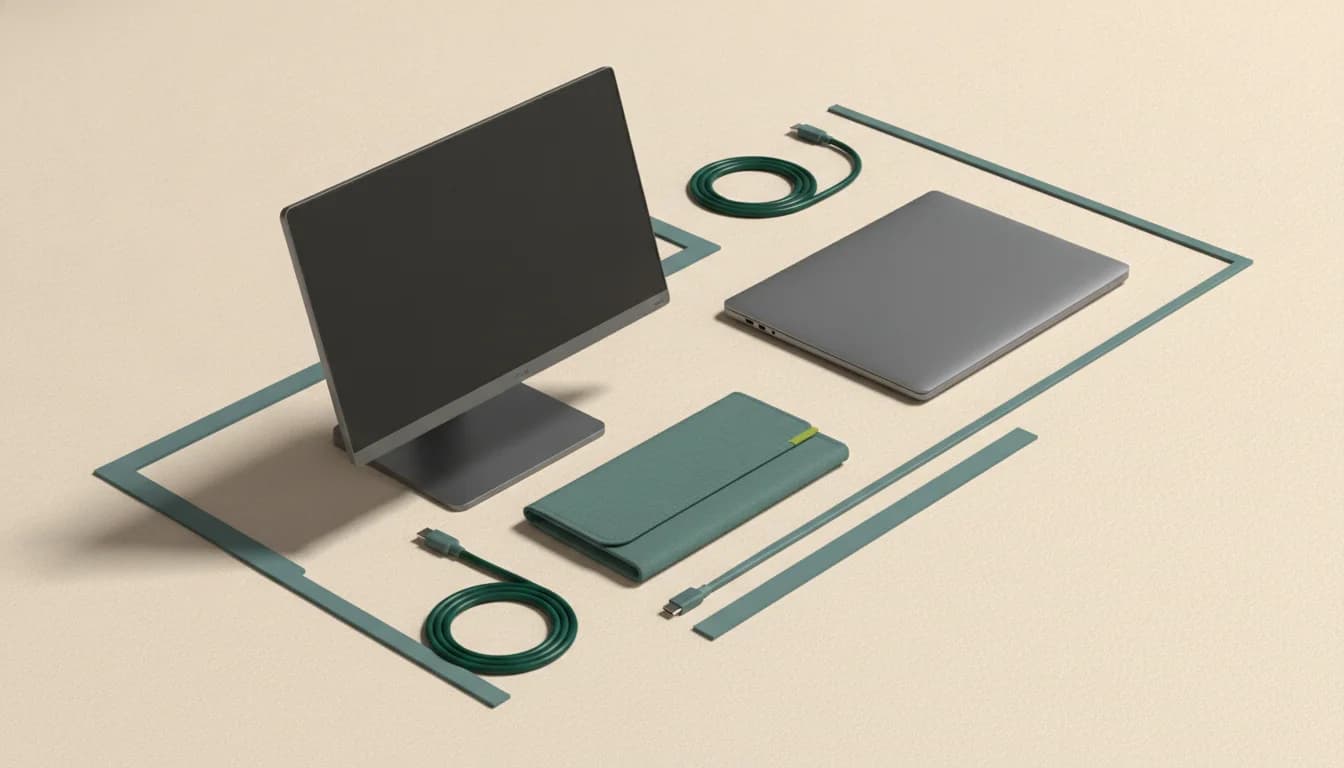
What separates the right monitor from the impressive one
Laptop and hinge fit
Check supported screen size, lid thickness, vent clearance, and total attached weight. A technically compatible extender can still be physically unpleasant.
macOS display limits
Base-model Apple silicon generations have differing native external-display support. DisplayLink-style drivers can change the equation but add software and content-protection trade-offs.
Port bandwidth
Two extra panels may need multiple video-capable ports or a driver-based connection. USB-C charging capability is not evidence of video output.
Attached versus separate
An extender deploys as one assembly; a normal portable monitor offers more placement freedom and puts less strain on the laptop lid.
Who this guide is for
Mobile professionals who genuinely benefit from two or three screens and are willing to verify laptop-specific compatibility before buying.
The Panel Pulse shortlist
Best for a portable three-screen workstation
KYY X90D
This solves a different job from a normal portable monitor: it turns a compatible laptop into a self-contained multi-screen setup.
- Format
- 15.6-inch · 1920 × 1080 per panel
- Motion
- 60Hz class · IPS
- Connection
- USB-C; driver requirements vary
Weight, laptop-size fit, port support, macOS limitations, and driver requirements can make or break the experience.

Best for adding one attached screen without a separate stand
KEFEYA Screen Extender
The attached-screen format is faster to deploy than a loose portable monitor when laptop fit and cable support line up.
- Format
- 14-inch · 1920 × 1080
- Motion
- 60Hz class · IPS
- Connection
- USB-C and HDMI
Check laptop dimensions, hinge strength, USB-C video support, and Mac display limits before ordering.
CERTAIN CONTENT THAT APPEARS ON THIS SITE COMES FROM AMAZON. THIS CONTENT IS PROVIDED “AS IS” AND IS SUBJECT TO CHANGE OR REMOVAL AT ANY TIME.
Decision lab
Compare what changes the experience
Select up to three. We leave price out because stale precision is worse than none.
| Signal | KYY X90D | KEFEYA Screen Extender |
|---|---|---|
| Format | 15.6-inch | 14-inch |
| Resolution | 1920 × 1080 per panel | 1920 × 1080 |
| Refresh | 60Hz class | 60Hz class |
| Panel | IPS | IPS |
| Connection | USB-C; driver requirements vary | USB-C and HDMI |
| Best for | A portable three-screen workstation | Adding one attached screen without a separate stand |
| Watch for | Weight, laptop-size fit, port support, macOS limitations, and driver requirements can make or break the experience. | Check laptop dimensions, hinge strength, USB-C video support, and Mac display limits before ordering. |
| Next step | Check price on Amazon | Check price on Amazon |
Questions buyers ask before they choose
Are laptop screen extenders worth it?
They can be for repeatable mobile multi-screen work. They are less attractive when weight, hinge strain, cable complexity, or operating-system limits outweigh faster deployment.
Do laptop screen extenders work with MacBook Pro?
Some do, but the answer depends on the Mac model, chip generation, desired number of displays, and whether the extender uses native video outputs or a driver such as DisplayLink. Verify the exact combination.
Is an extender better than a portable monitor?
An extender is faster to deploy and keeps the screens aligned with the laptop. A separate portable monitor is lighter on the lid, easier to position ergonomically, and often simpler to share across devices.
Keep narrowing the decision
Free decision sheet
Don’t compare 40 specs. Compare the seven that matter.
Get our monitor buying checklist now. We’ll store your preference, but we won’t send marketing email until our full mailing details are published.