The short answer
The critical question is not whether a panel says USB-C. It is whether your source device sends video over that port, supplies enough power, and behaves reliably with the included cable and stand.
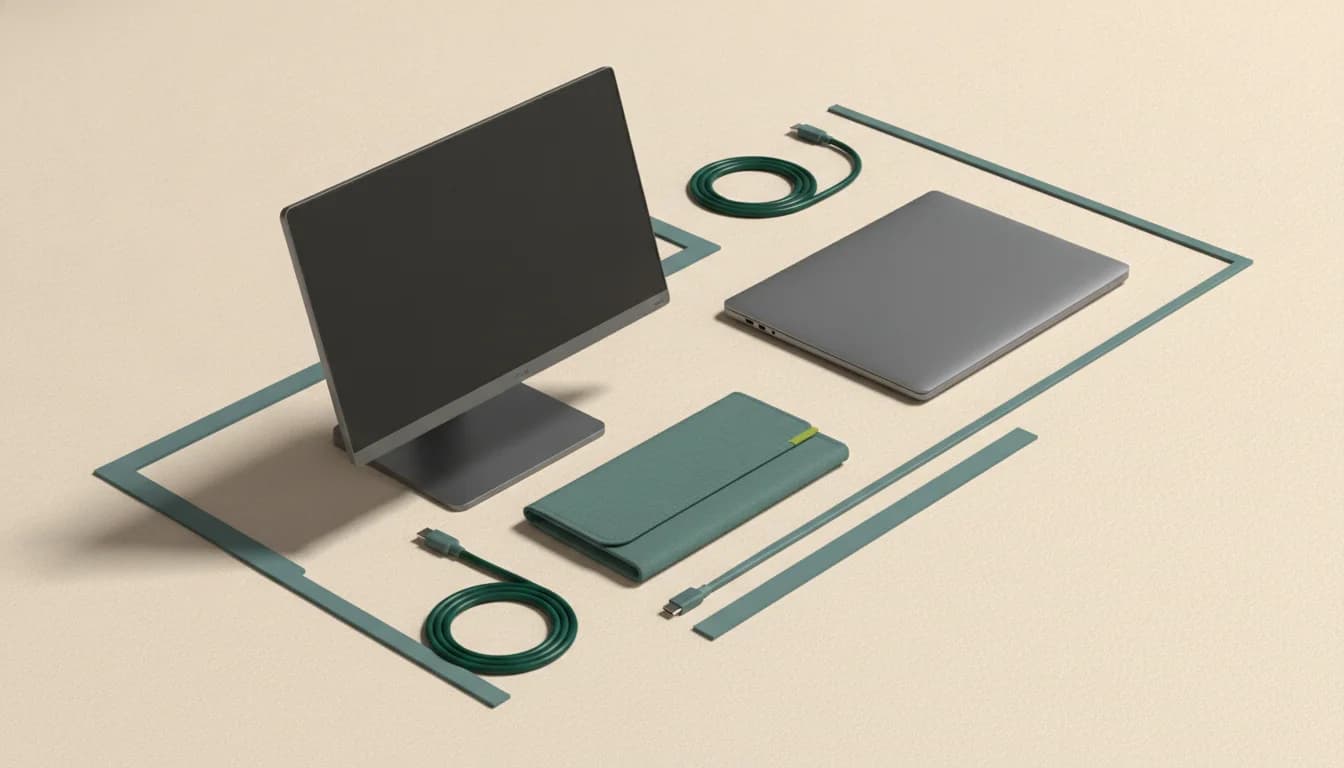
What separates the right monitor from the impressive one
One-cable compatibility
USB-C shape alone proves nothing. The laptop, tablet, or phone must support DisplayPort Alt Mode or Thunderbolt video, and power requirements still vary.
Stand stability
A good kickstand is often more useful than a small specification advantage. Folio covers can be lighter but less stable on shallow or moving surfaces.
Travel weight includes everything
Compare the display, cover, stand, power adapter, and cables—not the panel alone.
60Hz versus 144Hz
60Hz is sufficient for documents and reference windows. A 144Hz portable display earns its weight for gaming and motion-sensitive work.
Who this guide is for
Travelers, hybrid workers, console players, and laptop users who need a second screen without building a permanent desk.
The Panel Pulse shortlist

Best for a dependable travel screen for laptop work
ASUS ZenScreen MB169CK
The flexible kickstand, dual USB-C input, and established support channel matter more here than headline performance.
- Format
- 15.6-inch · 1920 × 1080
- Motion
- 60Hz · IPS
- Connection
- Dual USB-C and Mini HDMI
It is a work-first 60Hz portable display; buyers seeking console motion performance should look at faster alternatives.
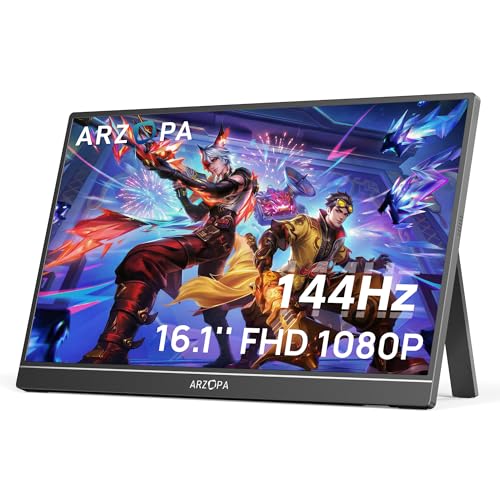
Best for travel gaming and a fast second screen
ARZOPA Z1FC
A larger 16.1-inch panel and 144Hz refresh distinguish it from generic 60Hz travel screens without abandoning portability.
- Format
- 16.1-inch · 1920 × 1080
- Motion
- 144Hz · IPS
- Connection
- USB-C and HDMI
One-cable operation depends on the laptop or console port supporting both video and sufficient power.

Best for a low-cost second screen for travel
MNN Portable Monitor
Its current bestseller position reflects demand for a simple, lightweight second screen.
- Format
- 15.6-inch · 1920 × 1080
- Motion
- 60Hz · IPS
- Connection
- USB-C and HDMI
Generic portable monitors can vary by revision; verify the current port layout, included cables, warranty, and return path.
CERTAIN CONTENT THAT APPEARS ON THIS SITE COMES FROM AMAZON. THIS CONTENT IS PROVIDED “AS IS” AND IS SUBJECT TO CHANGE OR REMOVAL AT ANY TIME.
Decision lab
Compare what changes the experience
Select up to three. We leave price out because stale precision is worse than none.
| Signal | ASUS ZenScreen MB169CK | ARZOPA Z1FC | MNN Portable Monitor |
|---|---|---|---|
| Format | 15.6-inch | 16.1-inch | 15.6-inch |
| Resolution | 1920 × 1080 | 1920 × 1080 | 1920 × 1080 |
| Refresh | 60Hz | 144Hz | 60Hz |
| Panel | IPS | IPS | IPS |
| Connection | Dual USB-C and Mini HDMI | USB-C and HDMI | USB-C and HDMI |
| Best for | A dependable travel screen for laptop work | Travel gaming and a fast second screen | A low-cost second screen for travel |
| Watch for | It is a work-first 60Hz portable display; buyers seeking console motion performance should look at faster alternatives. | One-cable operation depends on the laptop or console port supporting both video and sufficient power. | Generic portable monitors can vary by revision; verify the current port layout, included cables, warranty, and return path. |
| Next step | Check price on Amazon | Check price on Amazon | Check price on Amazon |
Questions buyers ask before they choose
Do portable monitors need external power?
Some can receive video and power through one compatible USB-C connection. Others need a second USB cable or power adapter, particularly when the source cannot provide enough power.
Can a phone power a portable monitor?
Some phones support video output but may not provide enough power. Compatibility depends on the phone’s USB-C video support, the monitor’s power draw, and whether external power is connected.
Are portable monitors good for gaming?
They can be. Verify refresh rate, input support, source-device compatibility, power behavior, and measured response. Many low-cost models are designed primarily for 60Hz productivity.
Keep narrowing the decision
Free decision sheet
Don’t compare 40 specs. Compare the seven that matter.
Get our monitor buying checklist now. We’ll store your preference, but we won’t send marketing email until our full mailing details are published.