The short answer
We favor curves with a clear geometric job, not curved panels sold as an automatic upgrade.
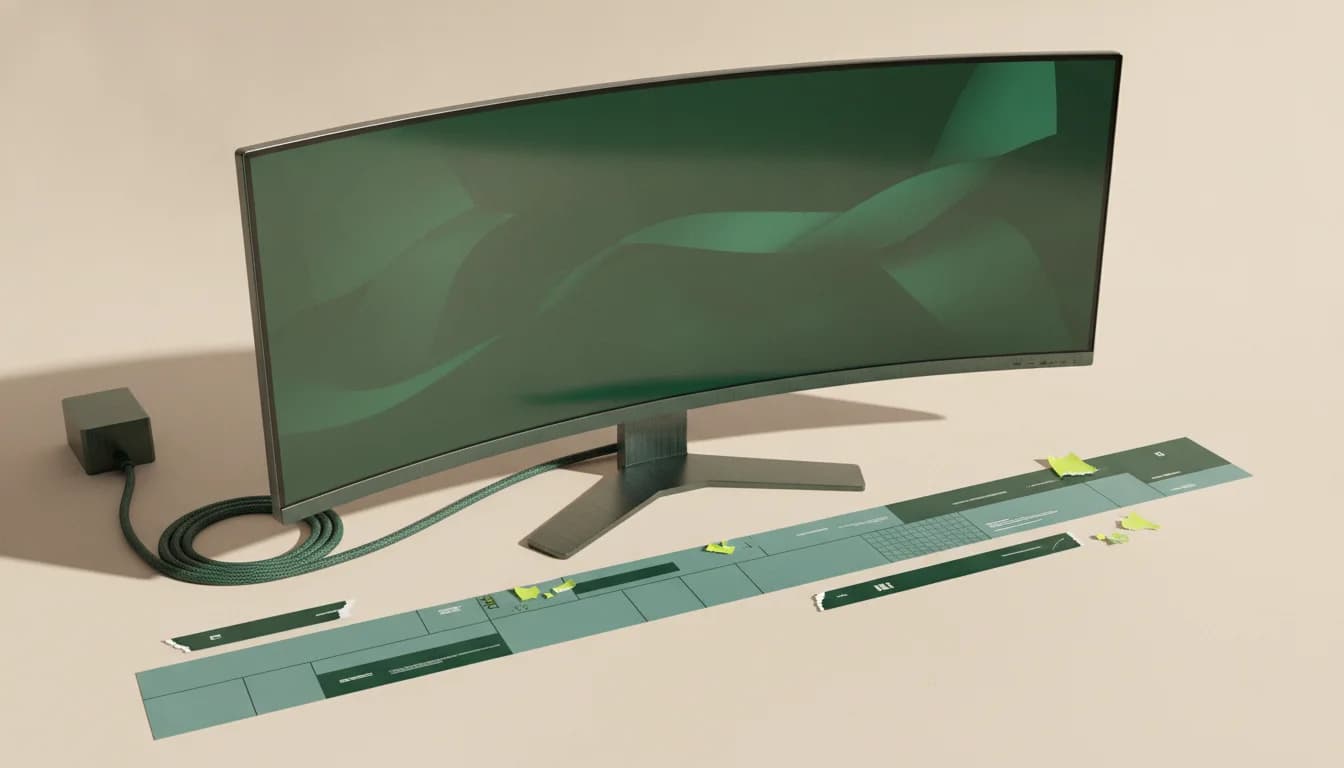
What separates the right monitor from the impressive one
Curvature radius needs context
A smaller R-number means a stronger curve. Viewing distance and screen width decide whether 1000R, 1500R, or a gentler curve feels natural.
Curves and geometry work
Photo, CAD, layout, and design users may prefer a flat reference, even though many adapt to moderate curvature.
VA dominates for a reason
VA panels suit curved manufacturing and strong contrast, but response behavior varies and needs independent testing.
Who this guide is for
Ultrawide and large-screen buyers who sit centered and want the edges brought into a more consistent viewing arc.
The Panel Pulse shortlist

Best for immersive gaming with useful desktop width
Alienware AW3425DWM
Its 34-inch ultrawide format creates useful middle ground between gaming immersion and a two-window productivity canvas.
- Format
- 34-inch · 3440 × 1440
- Motion
- 180Hz · VA
- Connection
- DisplayPort and HDMI
A VA ultrawide should be judged on measured dark-transition behavior, not the advertised 1ms figure alone.
Best for large-format, immersive pc gaming
Samsung Odyssey G5
A 1000R curve and QHD resolution put immersion ahead of pixel density, making viewing distance part of the buying decision.
- Format
- 32-inch · 2560 × 1440
- Motion
- 165Hz · VA
- Connection
- HDMI and DisplayPort
At 32 inches, QHD text is visibly less dense than 4K; desk depth and non-gaming use should decide whether that is acceptable.

Best for broad desktop space without a gaming-first design
Dell S3425DW
The 120Hz ultrawide formula prioritizes smooth everyday use and multitasking rather than chasing esports specifications.
- Format
- 34-inch · 3440 × 1440
- Motion
- 120Hz · VA
- Connection
- HDMI and DisplayPort
Check port needs carefully: a productivity ultrawide without the right USB-C or KVM arrangement can still require a dock.

Best for maximum specification per dollar in an ultrawide
SANSUI 34-inch UWQHD
The specification list is long for its market position, which makes verification and return terms especially important.
- Format
- 34-inch · 3440 × 1440
- Motion
- Up to 200Hz · VA
- Connection
- HDMI 2.1 and DisplayPort 1.4
Treat color-gamut, HDR, response-time, and peak-refresh claims as hypotheses until independent measurements confirm them.
CERTAIN CONTENT THAT APPEARS ON THIS SITE COMES FROM AMAZON. THIS CONTENT IS PROVIDED “AS IS” AND IS SUBJECT TO CHANGE OR REMOVAL AT ANY TIME.
Decision lab
Compare what changes the experience
Select up to three. We leave price out because stale precision is worse than none.
| Signal | Alienware AW3425DWM | Samsung Odyssey G5 | Dell S3425DW |
|---|---|---|---|
| Format | 34-inch | 32-inch | 34-inch |
| Resolution | 3440 × 1440 | 2560 × 1440 | 3440 × 1440 |
| Refresh | 180Hz | 165Hz | 120Hz |
| Panel | VA | VA | VA |
| Connection | DisplayPort and HDMI | HDMI and DisplayPort | HDMI and DisplayPort |
| Best for | Immersive gaming with useful desktop width | Large-format, immersive PC gaming | Broad desktop space without a gaming-first design |
| Watch for | A VA ultrawide should be judged on measured dark-transition behavior, not the advertised 1ms figure alone. | At 32 inches, QHD text is visibly less dense than 4K; desk depth and non-gaming use should decide whether that is acceptable. | Check port needs carefully: a productivity ultrawide without the right USB-C or KVM arrangement can still require a dock. |
| Next step | Check price on Amazon | Check price on Amazon | Check price on Amazon |
Questions buyers ask before they choose
Are curved monitors better for gaming?
They can increase immersion on wide or large screens, but they do not improve frame rate or response. Competitive preference, viewing position, and screen format matter.
Is a curved monitor good for office work?
Often yes for ultrawide multitasking from a centered seat. Very strong curves can feel less natural for straight-line visual work or shared viewing.
What does 1000R mean?
It describes a curve with a one-meter radius. A lower number indicates a stronger curve; the ideal depends on screen size and viewing distance.
Keep narrowing the decision
Free decision sheet
Don’t compare 40 specs. Compare the seven that matter.
Get our monitor buying checklist now. We’ll store your preference, but we won’t send marketing email until our full mailing details are published.