Direct answer
What changes the answer
The diagonal hides the physical change
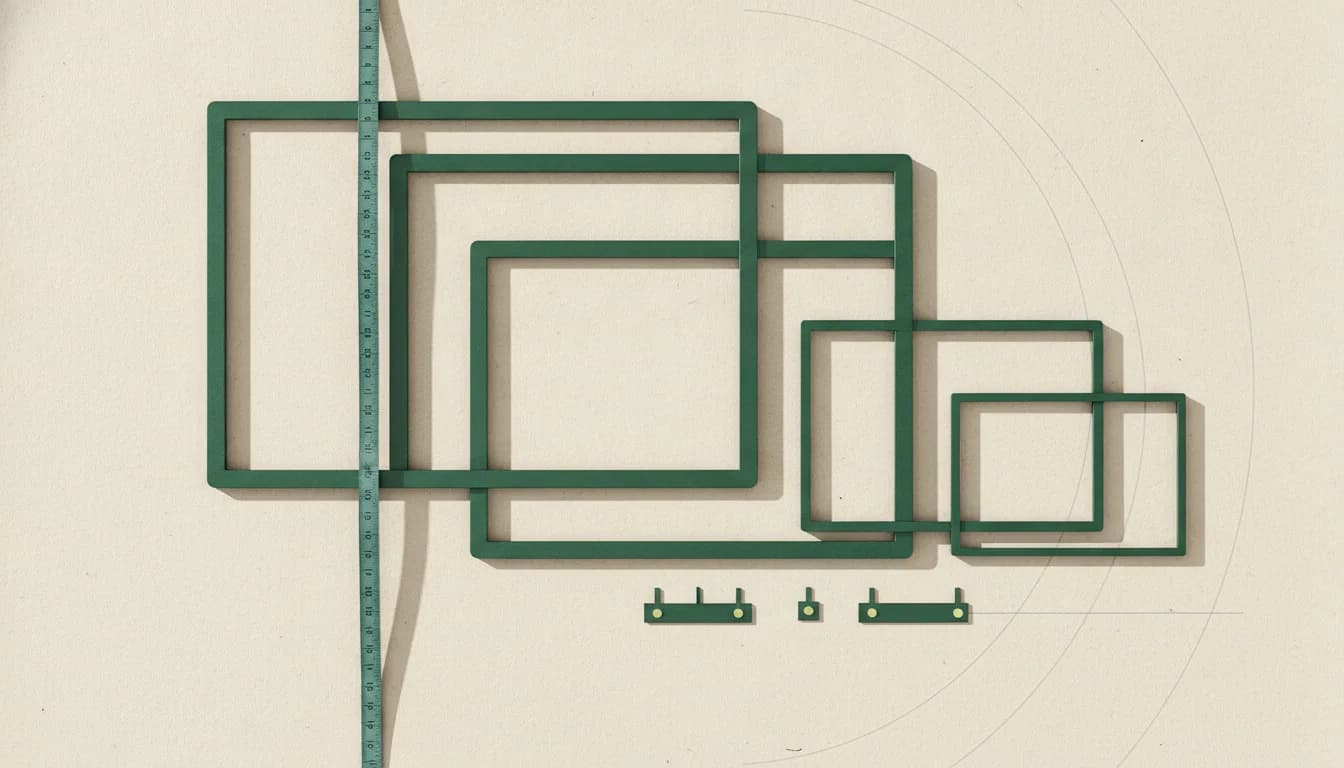
A 32-inch 16:9 screen has roughly 40 percent more area than a 27-inch screen. It is not a small step, and the stand may add even more desk depth.
Resolution changes the comparison
Twenty-seven-inch QHD is a strong general-purpose density. At 32 inches, 4K is preferable for fine text while QHD creates a larger, gaming-friendly image with lower GPU demand.
Scanning and focus differ
A closer 32-inch display can require more eye or head movement. A 27-inch screen is easier to take in at once, which some competitive players and focused workers prefer.
Measure the setup
Use the monitor’s actual width and stand depth, not the diagonal alone. A monitor arm can reclaim surface depth and make a larger screen more practical.
Related questions
Is 32 inches too big for gaming?
Not for immersive games at a suitable distance. Competitive players may prefer 24–27 inches because the full image is easier to scan quickly.
Is 27-inch 4K too small?
No, but interface scaling is usually needed. The result is very sharp text and imagery rather than extremely tiny native UI.
Which size is better for productivity?
A 27-inch QHD or 4K monitor fits more desks. A 32-inch 4K monitor offers a larger detailed canvas when viewing distance and window management are handled well.
Use the answer
Free decision sheet
Don’t compare 40 specs. Compare the seven that matter.
Get our monitor buying checklist now. We’ll store your preference, but we won’t send marketing email until our full mailing details are published.